

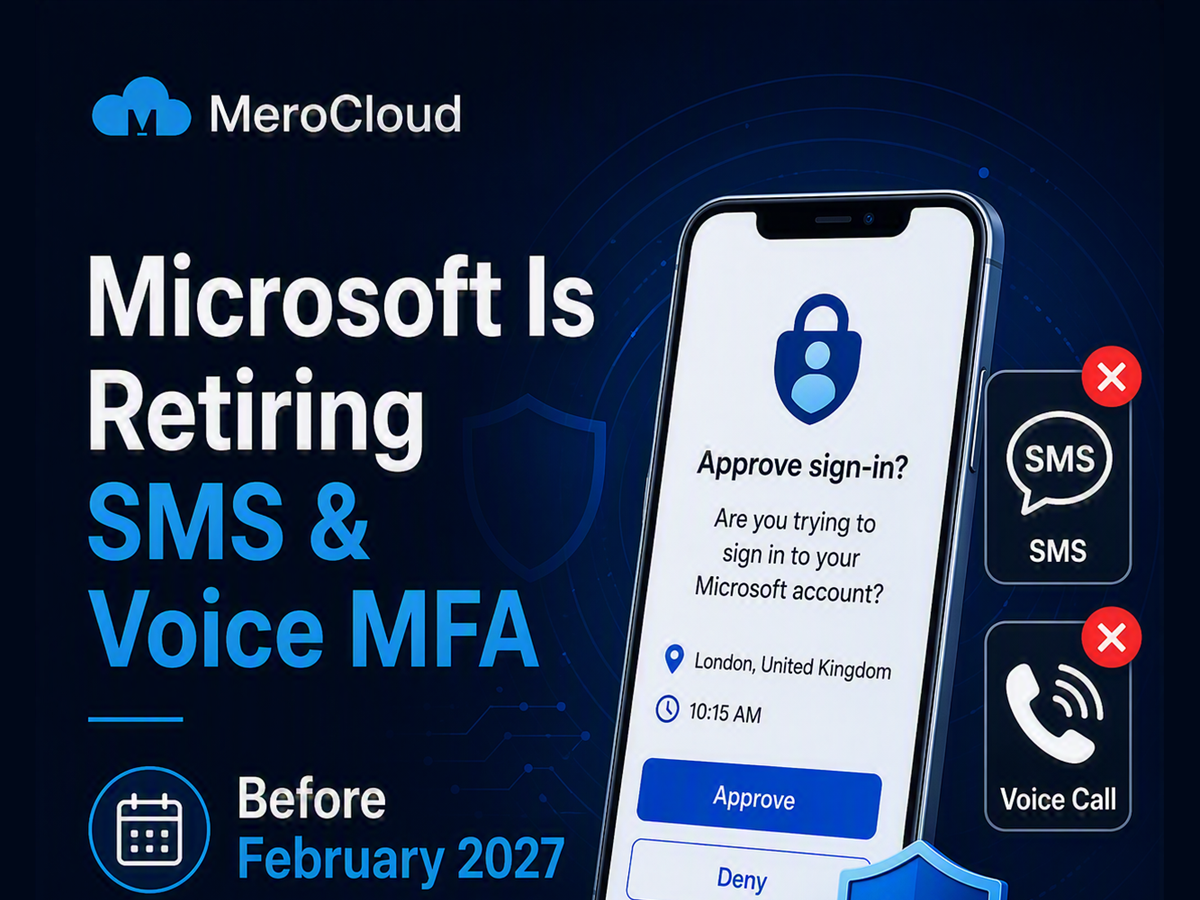
Microsoft is making an important security change for organisations using Microsoft 365, Azure and Microsoft Entra ID.
From 1 February 2027, Microsoft will no longer provide SMS text messages or voice calls for authentication in Microsoft Entra ID. Users who rely on a code sent to their phone—or a verification phone call—to complete MFA will need to move to a stronger sign-in method.
Microsoft is encouraging organisations to use passkeys, which are designed to protect users against phishing, SIM-swap fraud and stolen verification codes.
So, what’s a Passkey?
passkey is a modern sign-in method designed to replace traditional passwords and verification codes. Depending on the device and account configuration, a passkey may be accessed using:
- A fingerprint
- Facial recognition
- A device PIN
- Microsoft Authenticator
- Windows Hello
- A compatible physical security key
What is changing?
Microsoft will start preparing affected users from 1 September 2026. If a user is currently enabled for SMS or voice MFA, Microsoft will automatically enable passkeys for that user and prompt them to register a passkey after their next MFA sign-in.
Then, on 1 February 2027, Microsoft-provided SMS and voice authentication will be retired.
After that date, users who only have SMS or voice available for MFA may see a blocking prompt during sign-in. They will need to register a passkey before they can continue.
Who needs to take action?
If your organisation has users signing in with SMS or voice MFA, you should begin planning now.
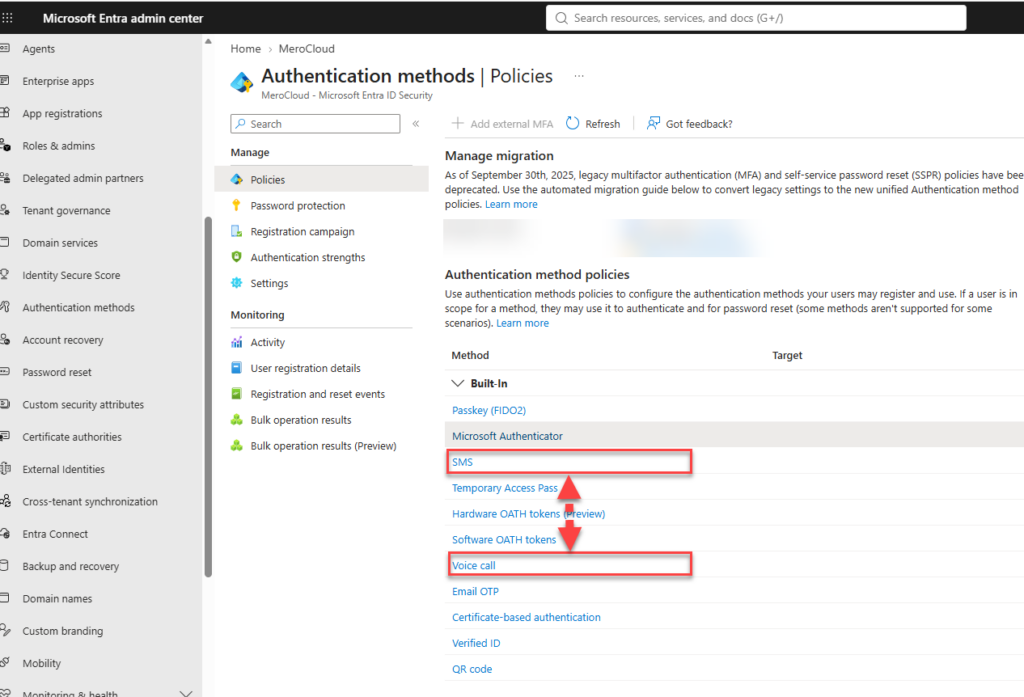
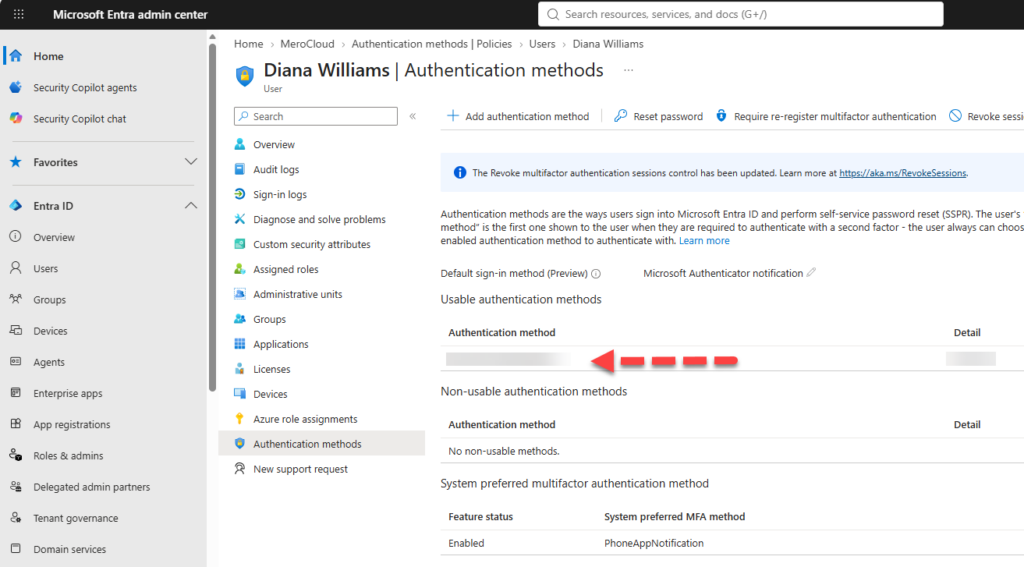
The first step is to understand who is affected. Microsoft Entra provides authentication-method registration and usage reports, while the Authentication Methods Policy shows which groups are enabled for specific methods.
Many businesses are surprised by how many legacy users still depend on phone-based MFA. In many cases, SMS was enabled years ago as the default option and was never reviewed again.
If nobody in your tenant uses SMS or voice, there may be little or no action required. However, it is still sensible to review your MFA setup before the September 2026 change.
A practical checklist for the next few months
Moving away from SMS and voice MFA does not need to be disruptive, but it does need some planning.
- Find out who is still using SMS or voice. Review the Authentication Methods Activity report and Authentication Methods Policy in Microsoft Entra ID.
- Enable passkeys and start early. Enable passkeys for affected users and begin a registration campaign before Microsoft’s automatic enrolment date. This gives your IT team time to support users properly rather than reacting to sign-in issues later.
- Explain the change clearly. Tell users what is changing, why it is happening and what they need to do. People are much more receptive to security changes when they understand the reason behind them.
- Identify genuine exceptions early. If specific users need SMS or voice for regulatory, operational or accessibility reasons, flag them now. They may require the customer-managed telecom-provider option.
- Make this part of your wider security plan. This should not be treated as a one-off Microsoft notice to complete and forget. Phishing-resistant authentication is one part of a stronger security posture that should also include monitoring, patching, secure configuration and staff awareness.
Will I or my business be locked out of Microsoft 365?
Only if SMS or voice is the only available MFA method and an alternative has not been registered before enforcement begins. Users may receive a blocking prompt during sign-in until they register a passkey. Setting up passkeys—or another phishing-resistant method—before then avoids disruption.
Do I need to do anything if my business does not use SMS or voice MFA?
No. If nobody in your tenant is enrolled in SMS or voice MFA, this change does not affect you directly. It is still a good opportunity to review your wider MFA setup and confirm that users have strong sign-in methods available.
The key message
Do not wait until February 2027.
Start by checking your Entra tenant, identifying users who rely on SMS or voice, and planning a passkey rollout. Acting early gives users time to adapt and helps avoid sign-in disruption later.
For more detail, see Microsoft’s official retirement guidance and its guide to passkey registration campaigns.


