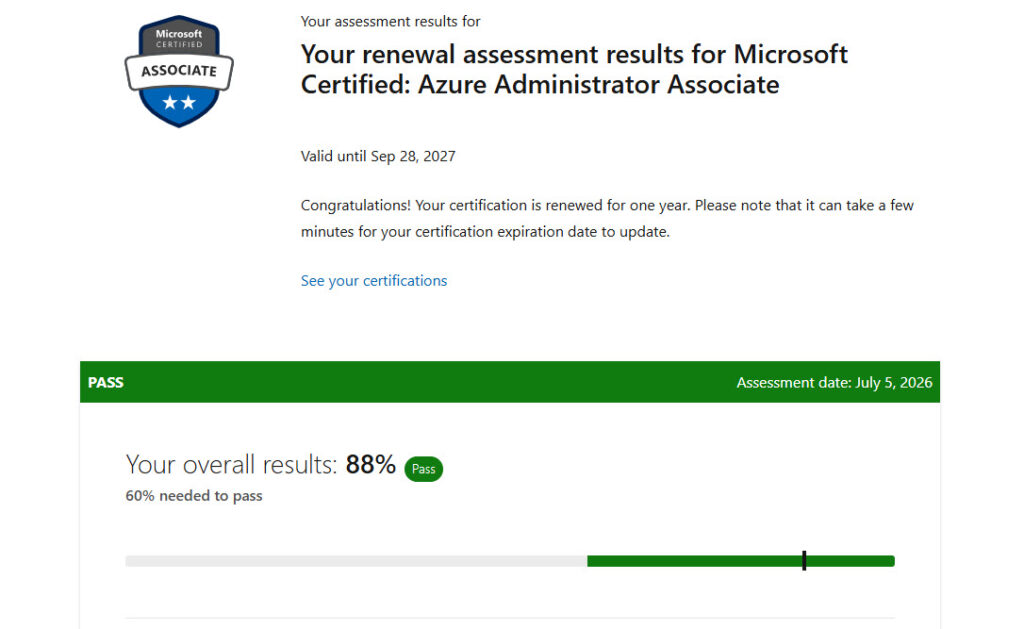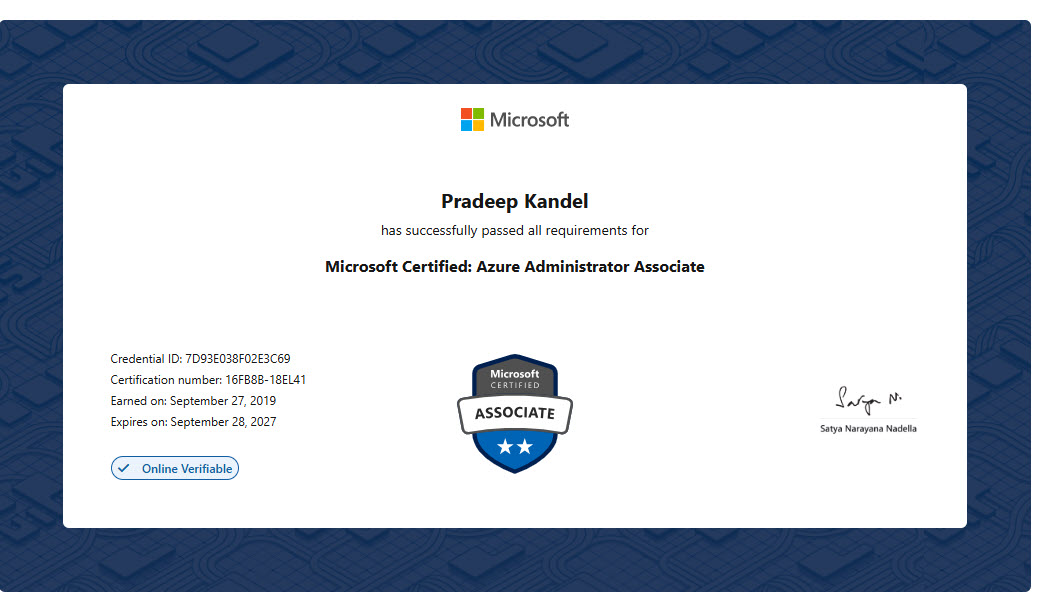
Today, I sat the renewal assessment for the Microsoft Certified: Azure Administrator Associate certification, and I’m happy to say I passed- extending it for another year.
The underlying exam, AZ-104, measures skills across five major areas: managing Azure identities and governance, implementing and managing storage, deploying and managing Azure compute resources, implementing and managing virtual networking, and monitoring and maintaining Azure resources. It’s a small milestone, but it felt like a good moment to write down a few thoughts on why these renewals matter and what stood out this time around.
Microsoft’s associate and expert-level certifications are valid for one year, after which you need to pass a free, shorter renewal assessment to keep them active. At first glance, this can feel like a hassle- especially if you use Azure daily and feel confident in your skills. But the reasoning makes sense once you think about how quickly the platform moves.
What I Noticed This Time Around
Going through the renewal material, a few things stood out as genuinely different from what I remembered:
- Newer VM security options — Trusted Launch and Confidential VMs are now much more central to how VM security is discussed, especially for newer Windows Server editions.
- Backup vaults vs. Recovery Services vaults — the distinction between these two vault types (and which workloads use which) isn’t something I’d paid close attention to before. Backup vaults are the newer resource type used for workloads like Azure managed disks, while Recovery Services vaults remain the home for VMs, SQL Server on Azure VMs, and similar workloads — a meaningful shift in how Azure Backup is architected.
- Flexible orchestration mode for scale sets — the ability to mix VM configurations and add existing VMs to a scale set is a notable evolution from the more rigid, template-only Uniform mode.
None of these are dramatic changes, but cumulatively they’re a reminder that “I know Azure” is a moving target, not a fixed state.
If you’re due for a renewal yourself, I’d say: don’t skip it, and don’t assume it’ll be trivial just because you use the platform daily. There’s usually something in there worth relearning.
You can view my certification and credentials on my Microsoft Learn profile.